
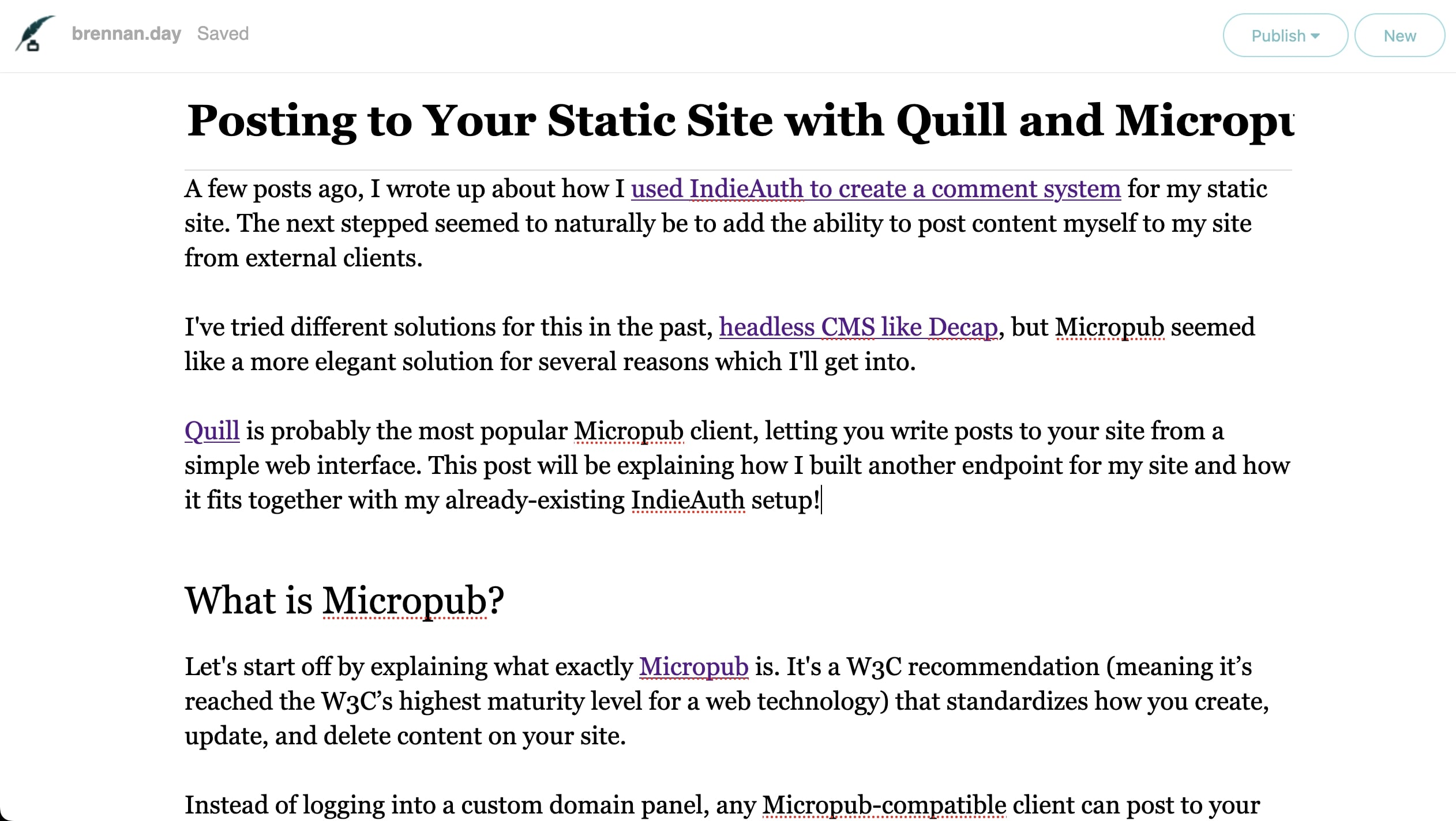
Quill is a classic writing instrument, reimagined for the modern IndieWeb. Source
Posting to Your Static Site with Quill and Micropub

A few posts ago, I wrote up about how I used IndieAuth to create a comment system for my static site. The next stepped seemed to naturally be to add the ability to post content myself to my site from external clients.
I've tried different solutions for this in the past, headless CMS like Decap, but Micropub seemed like a more elegant solution for several reasons which I'll get into.
Quill is probably the most popular Micropub client, letting you write posts to your site from a simple web interface. This post will be explaining how I built another endpoint for my site and how it fits together with my already-existing IndieAuth setup!
What is Micropub?
Let's start off by explaining what exactly Micropub is. It's a W3C recommendation (meaning it’s reached the W3C’s highest maturity level for a web technology) that standardizes how you create, update, and delete content on your site.
Instead of logging into a custom domain panel, any Micropub-compatible client can post to your site. Your website becomes your API, and that's the really nice part about the IndieWeb, you can then choose what tools work best for you. Quill is one such client. It provides a clean, distraction-free writing interface sending posts to your site via the Micropub protocol.
Why Micropub?
There are several reasons why somebody might want to use this setup. For starters, it means I can post from my phone using a Micropub client, which is way easier than trying to use an interface that play well with Git. It also means I am not locked into just one interface, because my site is my API, and I own my content. In the future, I could also build tools to post to my site programmatically, since this allows interoperability.
Architecture
As we've already established, my site is static with no database or backend running. HTML files are generated by 11ty and deployed to Netlify, so how are posts recieved from Quill? Serverless functions, just like the comment system. The flow looks like this:
Quill sends a Micropub request to https://brennan.day/micropub, Netlify Function recieves the request, validates, and processes the content. The GitLab API commits the new post to the repository. Then, Netlify detects the new commit and rebuilds/redeploys the site with the new post online.
Quill Setup
To get started, I configure Quill to communicate with my site, which requires a couple pieces of information: the Micropub endpoint which we already discussed, the Authorization endpoint and the token endpoint, both of which we can reuse from the comment system.
The authentication flow was already working from my comment system. Quill has additional scope requests, profile create update media with the "create" permission is allowing me to post content.
Now, let's get into the code itself.
The Micropub Endpoint
The Micropub endpoint is a Netlify function that handles different types of requests. Here's the basic structure:
exports.handler = async (event, context) => {
  // Handle GET requests for configuration
  if (event.httpMethod === 'GET') {
    const queryParams = event.queryStringParameters || {};

    if (queryParams.q === 'config') {
      // Return supported post types and media endpoint
      return {
        statusCode: 200,
        body: JSON.stringify({
          'media-endpoint': `${siteUrl}/media`,
          'post-types': [
            { 'type': 'note', 'name': 'Note' },
            { 'type': 'article', 'name': 'Article' }
          ]
        })
      };
    }

    if (queryParams.q === 'syndicate-to') {
      // Return available syndication targets
      return {
        statusCode: 200,
        body: JSON.stringify({
          'syndicate-to': [
            { 'uid': 'https://mastodon.social/@brennankbrown', 'name': 'Mastodon' }
          ]
        })
      };
    }
  }

  // Handle POST requests for creating posts
  if (event.httpMethod === 'POST') {
    // Verify token and process post...
  }
};
Token Verification
Like with comments, every request needs a valid access token with the 'create' scope:
async function verifyToken(token) {
  const response = await fetch('https://tokens.indieauth.com/token', {
    method: 'GET',
    headers: {
      'Authorization': `Bearer ${token}`,
      'Accept': 'application/json'
    }
  });

  if (!response.ok) {
    return { valid: false };
  }

  const data = await response.json();
  return {
    valid: data.scope.includes('create'),
    me: data.me
  };
}
Handling Different Post Types
Quill can send different types of content. Here are a few examples:
Articles (Rich Posts)
// JSON format for rich posts
if (data.type === 'h-entry') {
  const properties = data.properties || {};
  const hasTitle = properties.name && properties.name.length > 0;

  let result;
  if (hasTitle) {
    // Article with title
    result = createPostFile({
      name: properties.name[0],
      content: properties.content[0],
      category: properties.category || [],
      'mp-slug': properties['mp-slug'] || [],
      'mp-syndicate-to': properties['mp-syndicate-to'] || []
    }, tokenData.me, 'article');
  } else {
    // Note without title
    result = createNoteFile({
      content: properties.content[0],
      category: properties.category || [],
      'mp-slug': properties['mp-slug'] || [],
      'mp-syndicate-to': properties['mp-syndicate-to'] || []
    }, tokenData.me);
  }

  // Commit to GitLab and return response
  return await commitAndRespond(result);
}
Notes (Simple Posts)
// Form-encoded for simple notes
if (data.h === 'entry' && !data.name) {
  const hasTitle = data.name && data.name.length > 0;

  let result;
  if (hasTitle) {
    // Article with title
    result = createPostFile(data, tokenData.me, 'article');
  } else {
    // Note without title
    result = createNoteFile(data, tokenData.me);
  }

  // Commit to GitLab and return response
  return await commitAndRespond(result);
}
Content Formatting
Quill sends content in different formats depending on the editor used. The rich editor sends HTML, while the note editor sends plain text. I needed to handle both:
function formatContent(content, type) {
  if (typeof content === 'object' && content.html) {
    // Rich content from Quill's editor
    return content.html;
  } else if (typeof content === 'string') {
    // Plain text content
    if (type === 'note') {
      // Convert line breaks to <p> tags for notes
      return content.split('\n\n').map(p => `<p>${p}</p>`).join('');
    }
    return `<p>${content}</p>`;
  }
  return '';
}
Creating the Post File
Once I have the post data, the script creates a markdown file in the correct format:
async function createPost(postData, postType) {
  const filename = `${postData.slug || generateSlug(postData.title || postData.content.slice(0, 50))}.md`;
  const filepath = `src/posts/${new Date().toISOString().split('T')[0]}-${filename}`;

  const frontmatter = {
    title: postData.title || null,
    date: postData.date,
    tags: postData.tags,
    author: postData.author,  // Added from authenticated user
    postType: postType,
    syndication: postData['mp-syndicate-to'] || []
  };

  // Notes don't need titles
  if (postType === 'note') {
    delete frontmatter.title;
  }

  const content = `---
${Object.entries(frontmatter)
  .map(([key, value]) => `${key}: ${JSON.stringify(value)}`)
  .join('\n')}
---

${formatContent(postData.content, postType)}
`;

  // Write to temporary file, then commit to GitLab
  const tempPath = `/tmp/${filename}`;
  fs.writeFileSync(tempPath, content);

  await commitToGitLab(tempPath);
  return filename;
}
Build Delay
Just like with comments, there's a delay between posting and when the post appears. Quill doesn't know about this, so I had to implement a queue system:
// After committing to GitLab
await triggerBuild();

// Optionally notify the user
if (postData.notify) {
  await sendNotification({
    to: postData.author,
    subject: 'Post published!',
    body: `Your post is now live at: https://brennan.day/posts/${filename.replace('.md', '')}`
  });
}
Media Endpoint: Future Work
Quill supports uploading images, but that requires a Media Endpoint, which is another serverless function that handles file uploads. For now, I'm using external images, but here's the plan:
// netlify/functions/media.js
exports.handler = async (event, context) => {
  const file = event.files.file;
  const filename = `assets/media/${Date.now()}-${file.filename}`;

  // Upload to GitLab or a CDN
  const url = await uploadFile(filename, file.content);

  return {
    statusCode: 201,
    headers: { 'Location': url },
    body: JSON.stringify({ url: url })
  };
};
The Flow
From start to finish, I type my post in Quill's interface, which then sens a POST request to my Micropub endpoint when I click publish, my function verifies the token with IndieAuth and formates the content and generates a slug. The new post is committed to my repoistory on GitLab, Netlify detects the changes and rebuilds the site with the new content.
That really is all there is to it, no touching site code or logging into an admin panel. Micropub means you maintain the simplicity and security of the JAMstack. You don't need a backend or content management system to have a dynamic, connected website.
Future Enhancements
There's a lot more to explore with this technology. I've already gone over how I can create a media endpoint to handle image uploads. There's also synfication to automatically cross-post to Mastodon or other federated services. There's also draft support and the ability to edit existing posts, as well as Webmention support.
Resources
What do you think? Have you implemented Micropub on your site? What clients are you using? Let me know in the comments below, or better yet, write a response on your own site and send a webmention!

Comments
To comment, please sign in with your website:
Signed in as: